Loyalty cards in Apple Wallet and Google Wallet: how it works
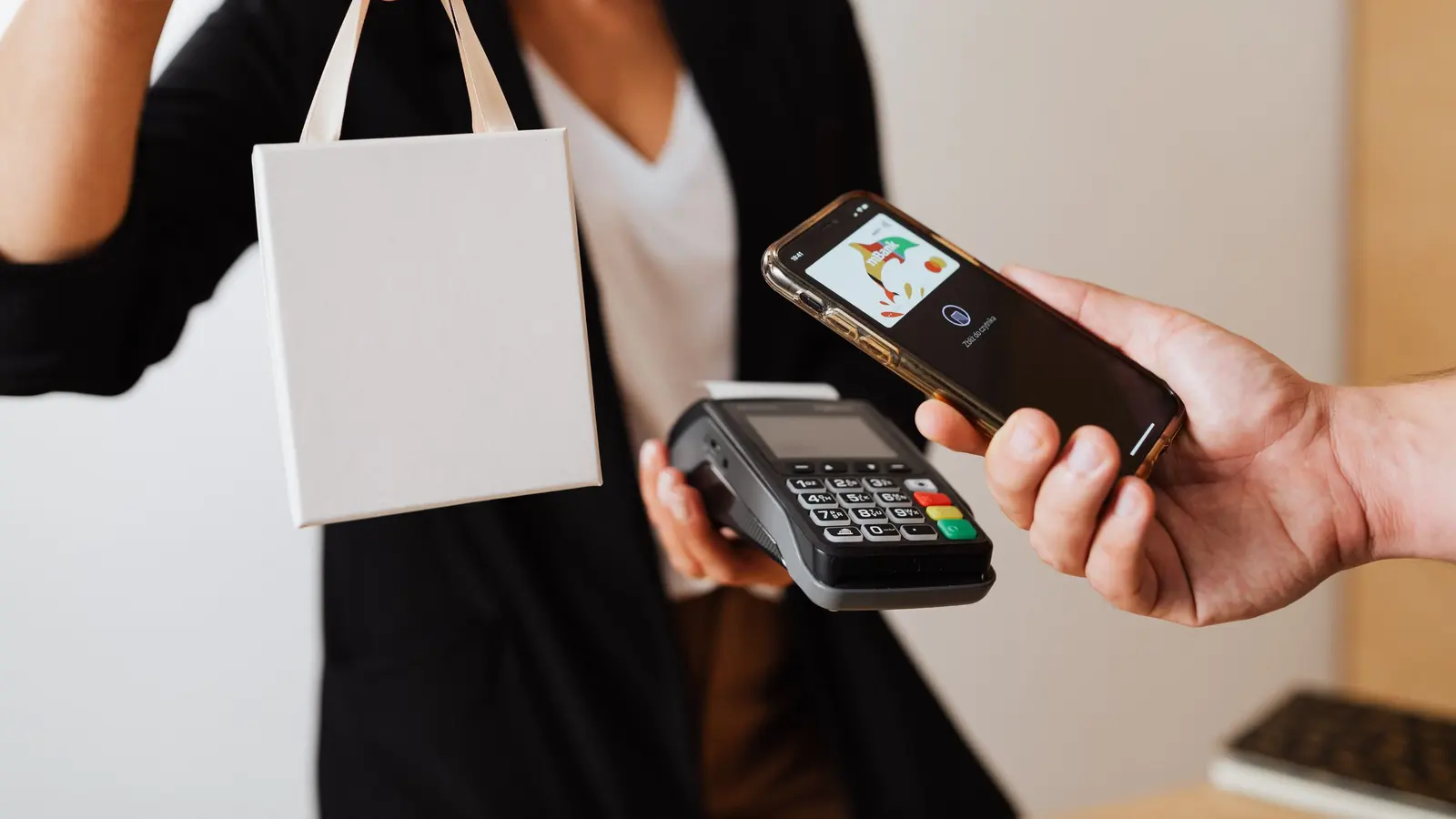
Apple Wallet and Google Wallet are the apps where your customers already keep their boarding passes and concert tickets. They come installed on every phone, and most people use them without thinking about it.
A loyalty card can take its place there. It is what is called a pass — and understanding what one really is avoids most of the misunderstandings.
What a pass is, concretely
A pass is not an app. It is a file, generated by the business, that the customer adds to their wallet. It holds a design — your colours, your logo — a few pieces of information, and a barcode.
Its most useful property: it stays connected to whoever issued it. When you add a stamp, you modify the pass remotely. The customer's phone fetches the new version and displays it. The customer did nothing, opened nothing, updated nothing.
The journey, from counter to phone
- The business creates its card: colours, logo, number of stamps, reward. Done once.
- A QR code is displayed at the till, or sent as a link.
- The customer scans it and lands on a page offering to add the card to their wallet.
- They accept — one button, a few seconds.
- On every visit, the team scans the code shown on the pass. The stamp is added, the pass updates, the notification goes out.
Nothing in that journey requires an account to be created or a password. That is deliberate: every extra step loses a share of customers, and at the counter, that share is enormous.
Why the notifications cost nothing
This is the most underestimated point, and the one that changes the economics of a loyalty programme.
Apple and Google do not charge for updating a pass. Not per message, not per customer, not by volume. You can notify every customer on every visit, indefinitely, without ever looking at an invoice.
Compare that with WhatsApp, where Meta charges for every message: in a busy shop, the difference between the two channels runs to hundreds of dirhams a month — for a customer who perceives no difference at all.
The three limitations worth knowing
1. The sign-up gesture
This is the real limitation, and nobody mentions it. The customer has to scan, then accept. It takes seconds, but they are seconds cardboard does not ask for.
At peak times, a customer in a hurry will decline. Your team needs to know when to offer it — while the order is being prepared, not when three people are waiting behind.
2. You cannot see whether the pass was opened
A pass is not a web page: there is no open rate, no read receipt. You know the notification went out; you do not know whether it was seen.
That is not a problem — the indicator that counts is still the return visit — but you need to know it before going looking for an open rate that does not exist.
3. The customer without a recent smartphone
Wallets have been on iPhones and Android for a long time, but not on everything. You need a fallback: a web card reachable by a plain link, or cardboard for those who prefer it. A programme that shuts out part of the clientele is not a loyalty programme.
What a pass allows, and what gets overlooked
- The card does not get lost. Not in the wash, not in an overstuffed wallet.
- It carries your colours every time the wallet is opened, even when the customer is looking for something else.
- It can remind them when they are nearby, if you enter your location details.
- It tells you who is drifting away, because every stamp is dated. That is what cardboard will never do.
Should you go for it?
The wallet is worth it if you want to know who comes back and be able to get in touch again. It is worth nothing if your programme is badly set: a threshold that is too high is still too high on a phone, and a lukewarm reward stays lukewarm too.
The full comparison with cardboard is covered in the paper or digital guide, and the tuning decisions — mechanic, threshold, reward — in the setup guide.